Teacher Explains
✨ Introduction to Operating Systems
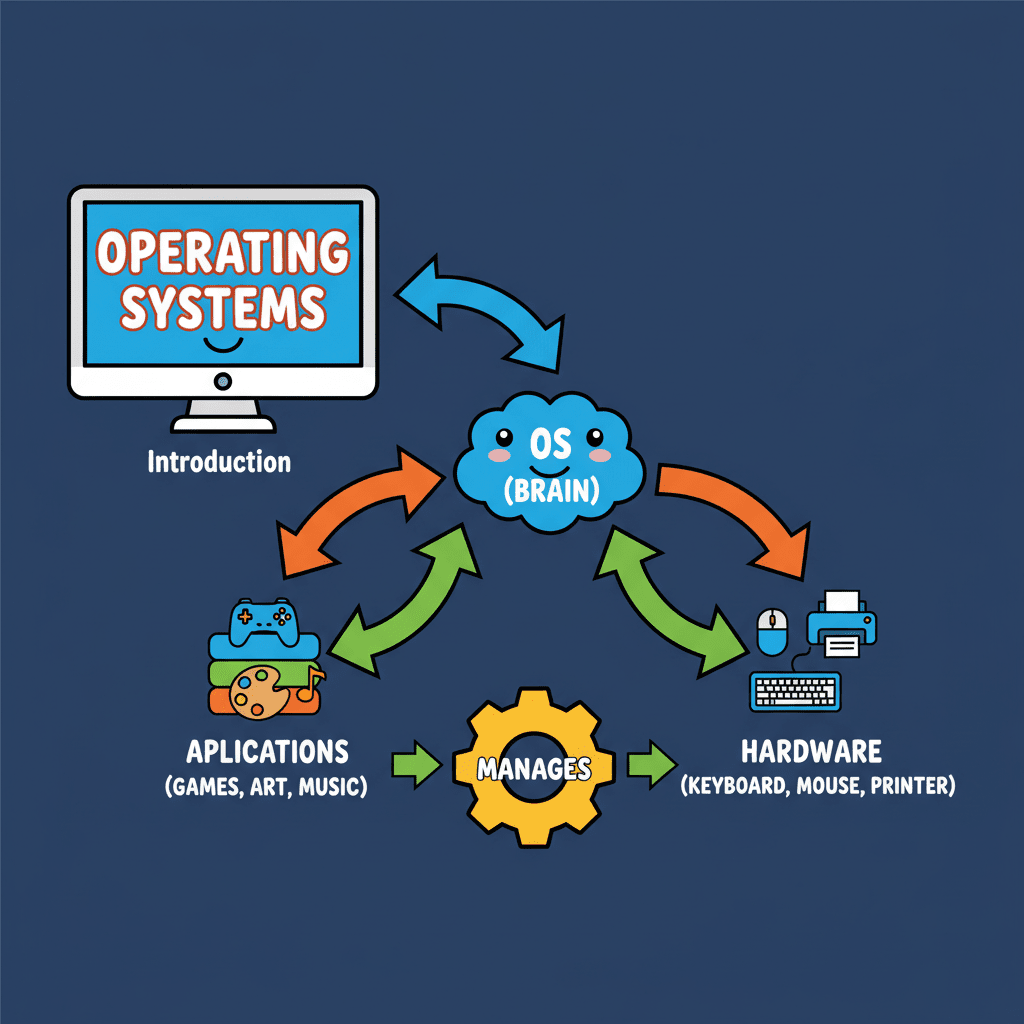
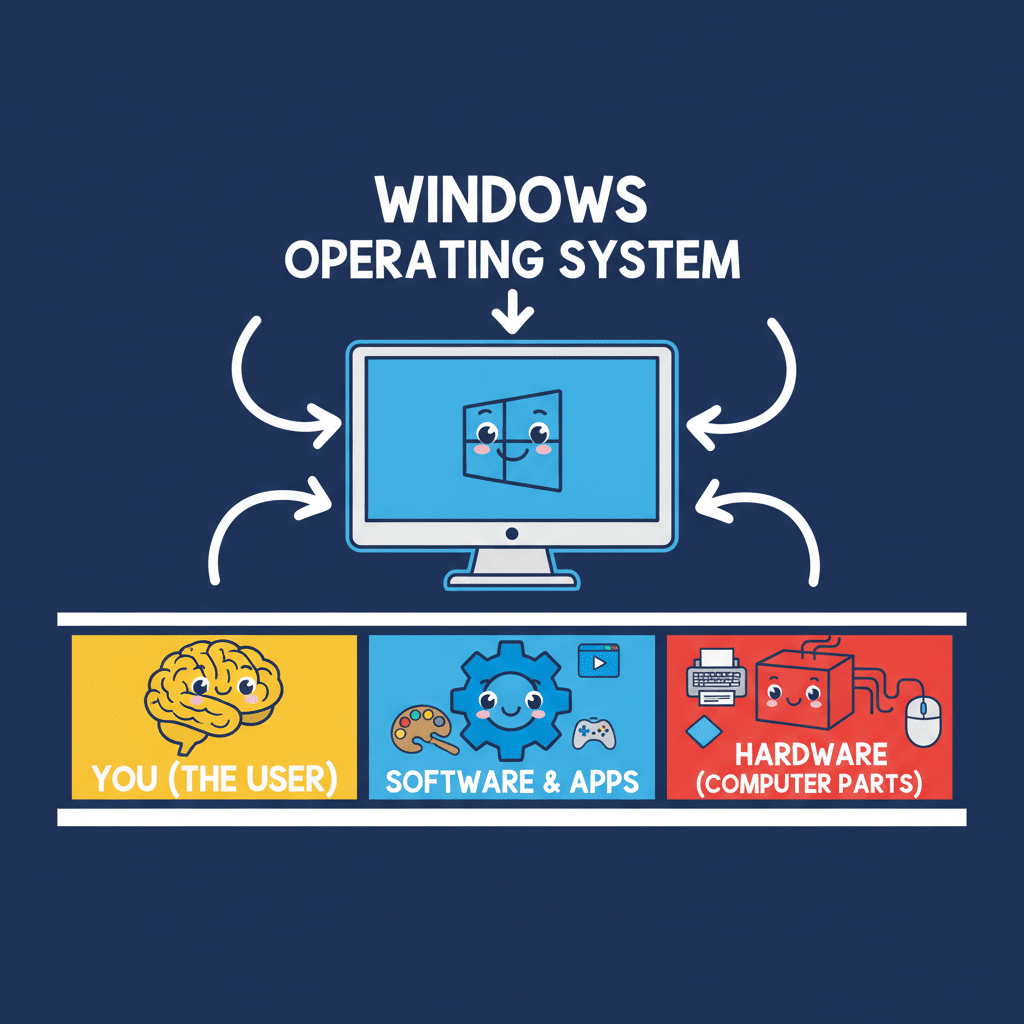
Alright class, let's dive into operating systems! Think of the operating system as the conductor of an orchestra. It's the special software that starts up automatically when you turn on your computer. It's absolutely essential because without it, your computer is basically useless. It allows you to interact with programs and manages all of the computer's resources.
✨ Functions of Operating Systems
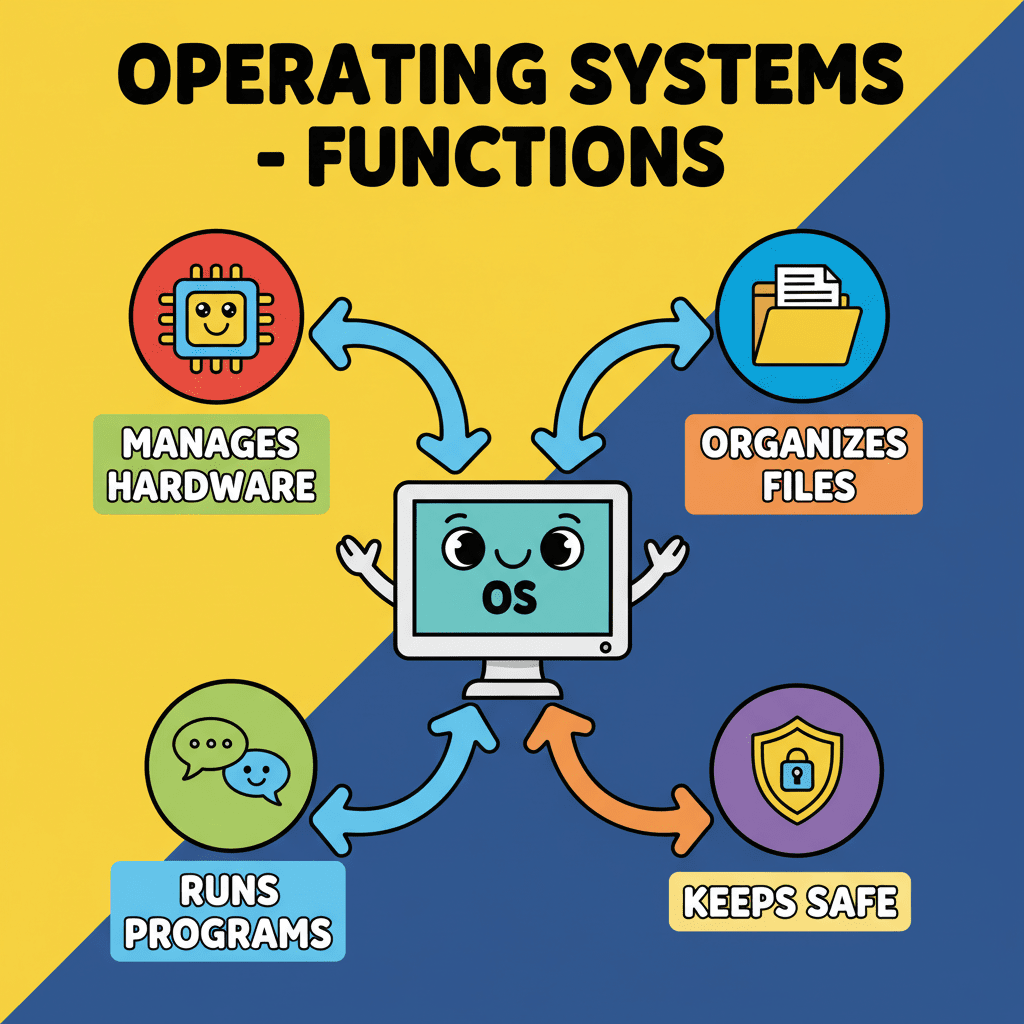
Operating systems act like translators, bridging the gap between you and the computer's language, which is machine code. It helps you use system resources effectively and access different programs. All other software needs the operating system to run, but the OS starts all by itself. Operating systems have a few different forms, the two main ones being character-based and graphical.
✨ CUI vs. GUI Operating Systems
Now, what does an operating system *do*? Well, it controls and coordinates everything your computer does! It makes it easier for you to interact with the computer, controls input and output devices like your keyboard and monitor, and manages how computer programs run. It also manages the computer's memory and helps you organize your files.
✨ Free Operating Systems (Linux)
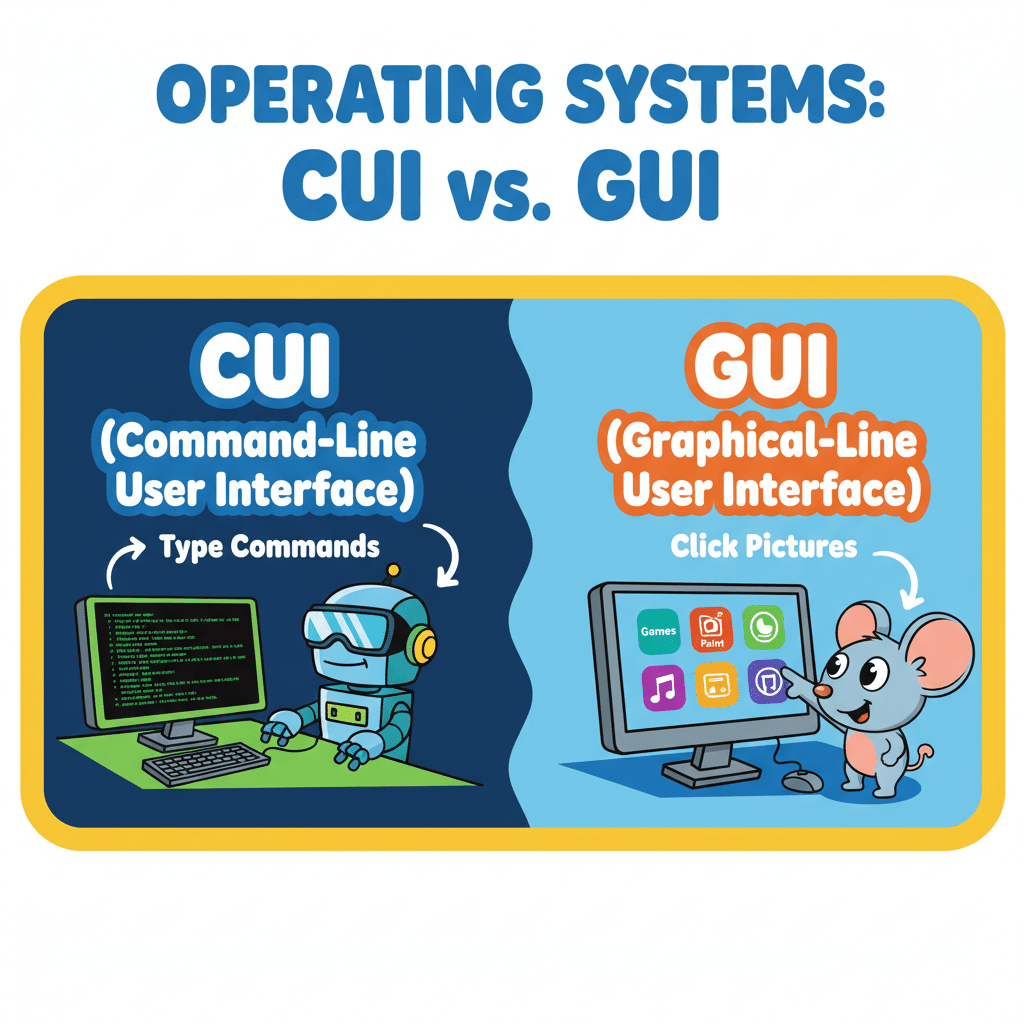
Operating systems come in two main types: Character User Interface (CUI) and Graphical User Interface (GUI). CUI operating systems rely on typing commands—think of older systems like DOS or Linux. GUI operating systems are more visual, using icons and images that you can click on with a mouse, like Windows or macOS.
✨ Windows Operating System
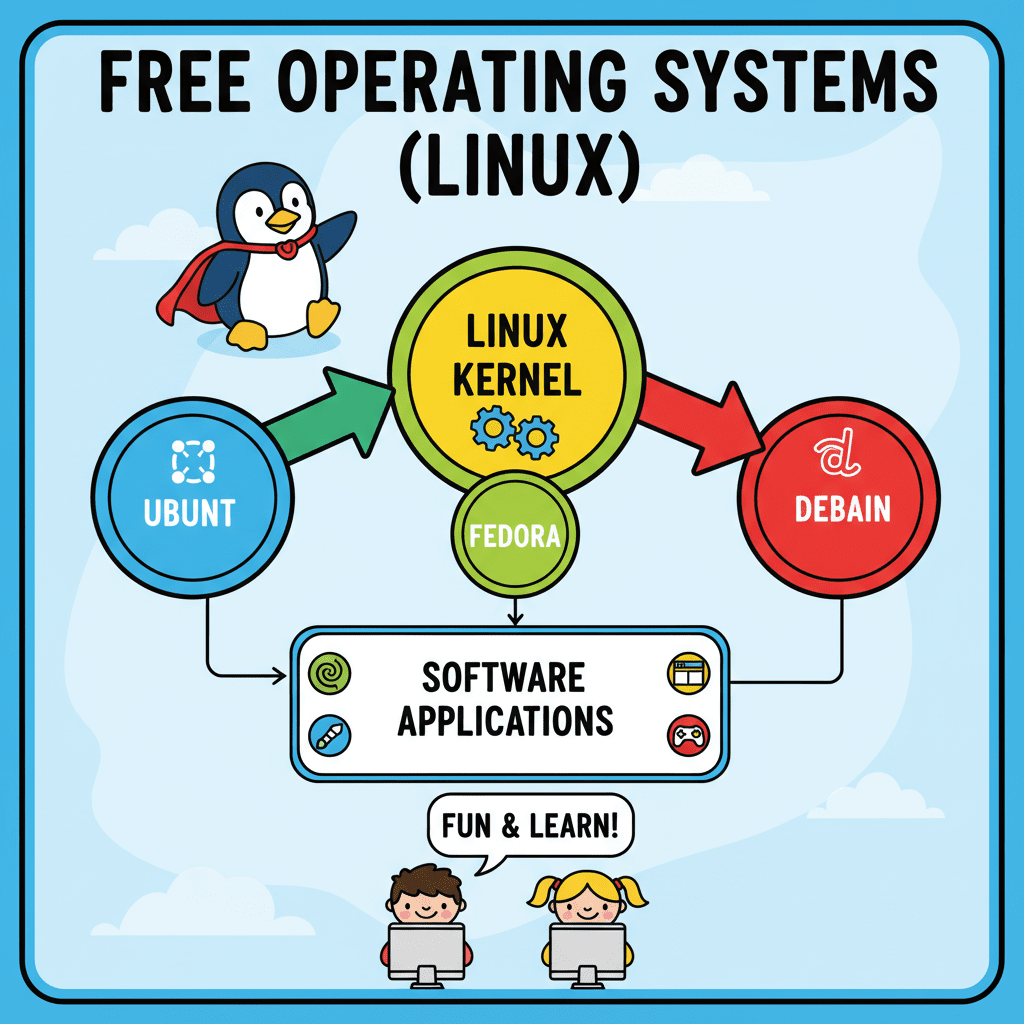
Many operating systems are available for free. Linux is a popular choice, especially for those who like to tinker. Ubuntu is a user-friendly Linux distribution with plenty of online support. Other popular open-source operating systems include Linux Mint, Debian, Mageia, Fedora, OpenSuse, FreeBSD, and BOSS (Bharat Operating System Solution).
✨ Windows Operating System
Finally, let's touch on Windows. Microsoft Windows is the GUI-based operating system that comes preinstalled on most computers. If you need to install it yourself, you can buy a license from an authorized seller or download it from Microsoft's website.